Automate Data Capture at Scale with Document AI
Course Description
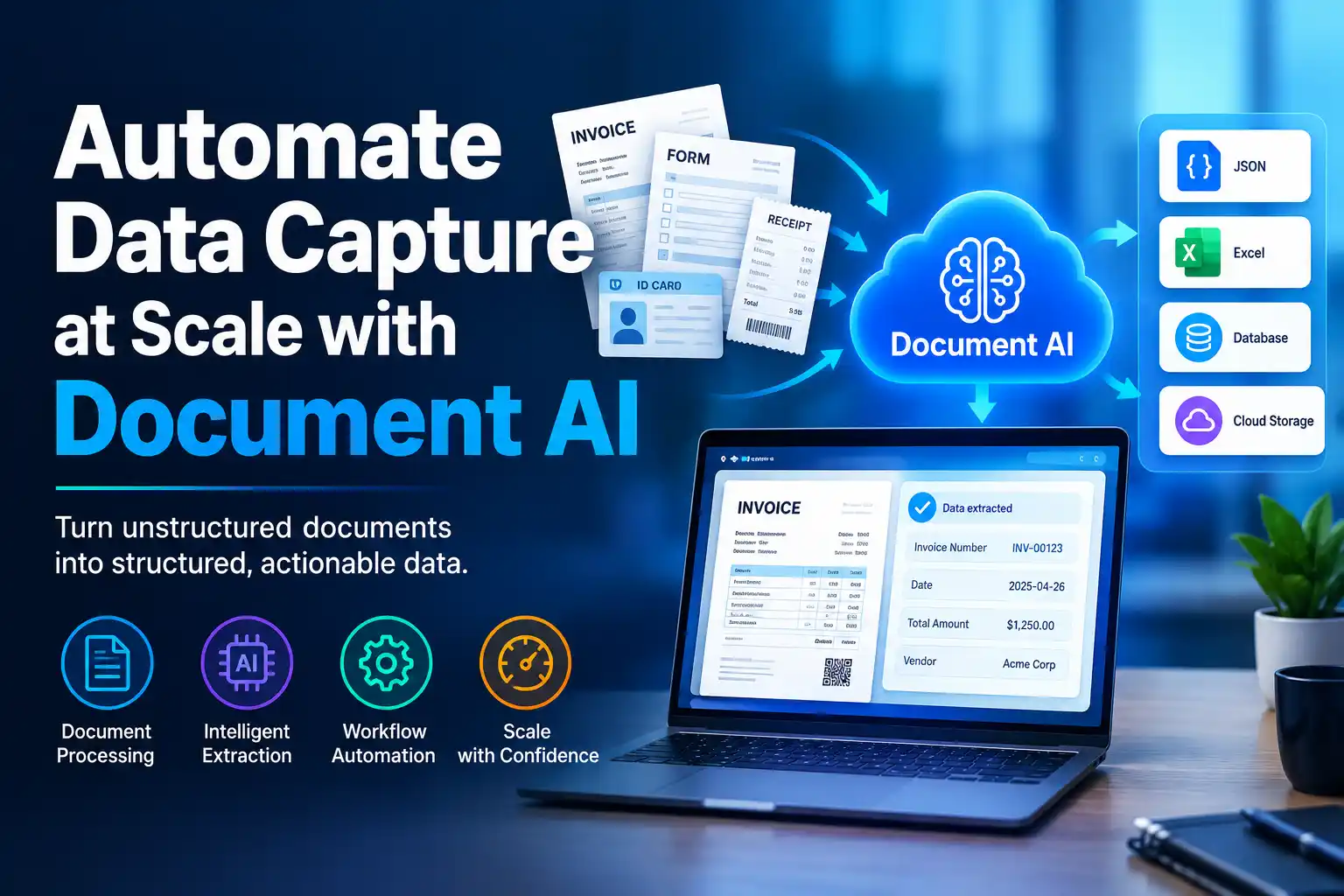
Every business drowns in documents: invoices, forms, contracts, receipts. Processing them by hand is slow and expensive. Document AI changes that. This short, hands-on course from Google Cloud teaches you how to extract, process, and capture data from documents automatically.
This free, self-paced course takes about 30 minutes and is built around practical labs. You'll enable the Document AI API, create and test a form parser processor, process documents programmatically with Python, and then build a complete end-to-end pipeline. That pipeline uses Cloud Run functions, Cloud Storage, and BigQuery to automatically process uploaded documents and save the extracted data.
The course finishes with a challenge lab, where you're given a scenario and a set of tasks to complete on your own, without step-by-step instructions. Pass it and you earn an official Google Cloud skill badge, a digital credential you can share on LinkedIn and add to your resume.
Course Provider
Provider: Google Cloud Skills Boost, Google's official hands-on training platform for cloud technologies.
Platform: Google Skills online platform, fully online and self-paced, with real Google Cloud labs that run in your browser. No installation is required.
Accreditation: Google Cloud skill badges are recognized by employers as proof of practical proficiency with Google Cloud products. This is an introductory-level badge focused on Document AI and serverless data pipelines.
Course Syllabus (5 Activities)
Learning Objectives
- Enable the Document AI API and create a form parser processor.
- Test a Document AI processor on real sample documents.
- Process documents programmatically using the Document AI API and Python.
- Build a document processing pipeline that automatically handles documents uploaded to Cloud Storage.
- Deploy Cloud Run functions to extract form data and save it to BigQuery.
- Validate the data processed by your pipeline.
- Earn a Google Cloud skill badge to demonstrate your Document AI skills.
Course Prerequisites
Technical: This is an introductory course, but some familiarity with Python and basic Google Cloud concepts (Cloud Storage, BigQuery) will help. The labs provide starter code, so you don't need to write everything from scratch.
Language: The course is available in English.
Who should take this: Data engineers, cloud developers, and anyone interested in document automation, OCR, or building serverless data pipelines on Google Cloud.
User Reviews
"Short, focused, and genuinely useful. I've wanted to try Document AI for months, and this course got me from zero to a working pipeline in under an hour. The challenge lab is the best part. It forces you to actually understand what you're doing instead of copying commands."
"Great introduction to Document AI. The Python lab and the end-to-end pipeline lab fit together well, and the BigQuery output makes the whole thing feel like a real project. You do need some cloud basics, so absolute beginners may need to pause and look things up."
"I'm a data engineer and this was a perfect Friday afternoon course. The badge looks good on my profile, and I now have a pipeline pattern I can adapt for invoices at work. The 30-minute estimate is optimistic if you read everything, but it's still very quick."
Based on 640+ ratings on Google Cloud Skills Boost.
💡 Final Thoughts
This is what a good technical micro-course looks like: a clear goal, real tools, and a challenge that proves you can do the work. Google's Document AI is one of the more practical AI services available, and this course shows you the whole path from a single processor to an automated pipeline writing structured data into BigQuery. It's free, it's short, and it ends with a verifiable skill badge. If you work with documents or data pipelines, spend the half hour. You'll come away with a pattern you can reuse immediately.
Automate Data Capture at Scale with Document AI – FAQ
Is this course really free?
Yes. The course and its labs are free on Google Cloud Skills Boost. You need a Google account, and some labs may require a billing-enabled project depending on your account type.
Do I need prior experience with Document AI?
No. The course starts by enabling the API and creating your first processor. You do need basic Python familiarity and a general idea of Cloud Storage and BigQuery to get the most out of the pipeline lab.
How long does the course take?
The course is listed at about 30 minutes, but most learners spend closer to 1–2 hours working through the labs carefully and attempting the challenge lab.
Will I receive a certificate or badge?
Yes. Once you complete the activities and pass the challenge lab, you earn an official Google Cloud skill badge. You can share it on LinkedIn, add it to your resume, and verify it publicly.
What is a challenge lab?
A challenge lab gives you a scenario and a set of tasks without step-by-step instructions. An automated scoring system checks your work. You need to complete all tasks within the time limit to score 100% and earn the badge.
Do I need to install any software?
No. All labs run in the browser using Google Cloud Shell and the Google Cloud console. You just need a modern web browser.