Develop AI-Powered Prototypes in Google AI Studio
Course Description
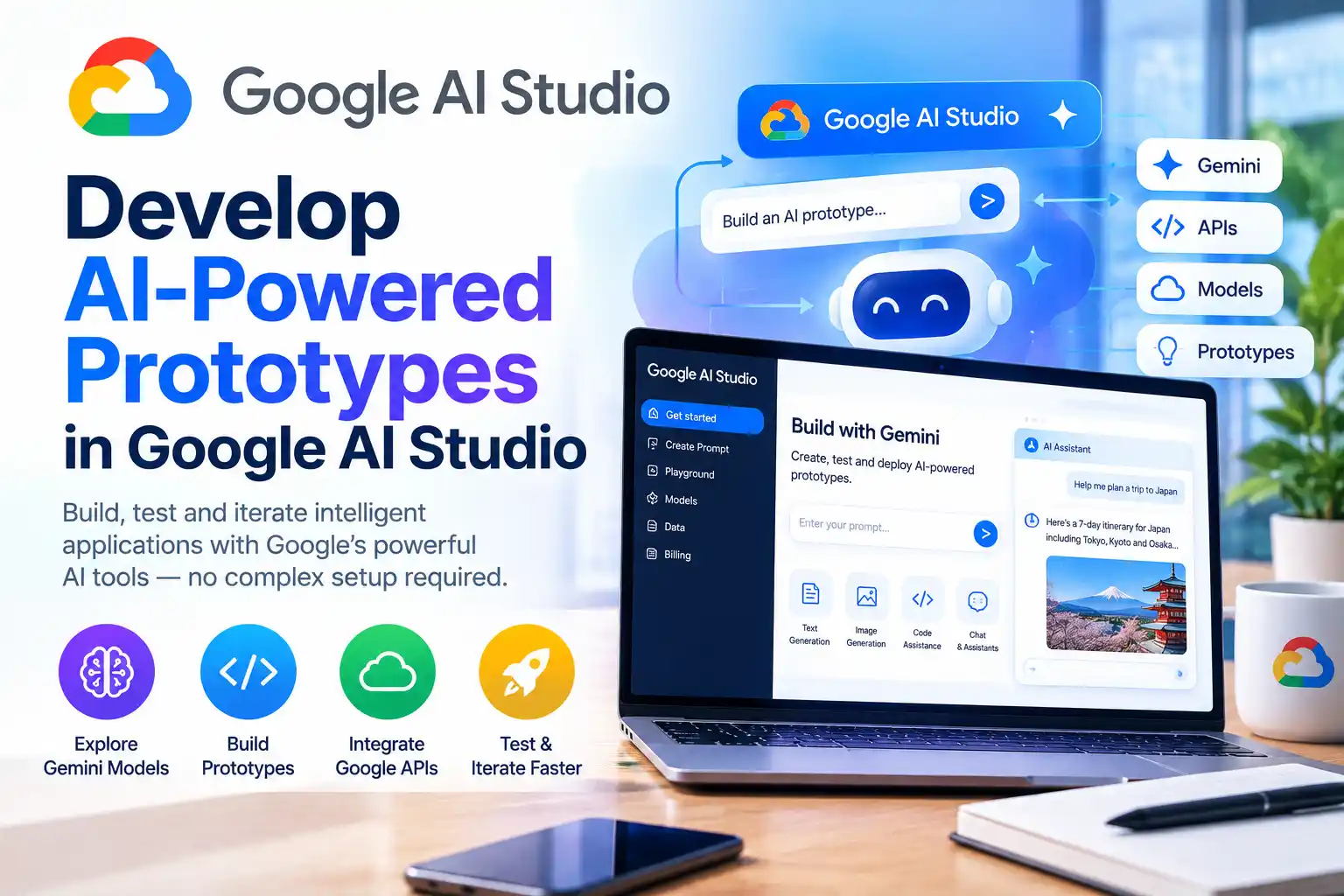
You have an idea for an AI-powered app. How do you turn it into something you can actually click, test, and show to someone? That's exactly what Google AI Studio is built for. This short, hands-on course teaches you how to go from a prompt to a working prototype in under an hour.
This free, introductory-level course takes about 45 minutes and is structured around practical labs. You'll start with an introduction to Google AI Studio and prompt engineering. Then you'll explore multimodal capabilities, learning how to analyze images and video with AI. From there, you'll prototype a functional app directly in Google AI Studio using templates and text prompts. Finally, you'll unlock the power of the Gemini API with API keys, so you can build and deploy custom AI solutions beyond the browser.
The course ends with a challenge lab (GSP529), where you're given a scenario and a set of tasks without step-by-step instructions. Complete it and you earn an official Google Cloud skill badge. If you already feel confident, you can skip straight to the challenge lab to fast-track your badge.
Course Provider
Provider: Google Cloud Skills Boost, Google's official hands-on training platform for cloud and AI technologies.
Platform: Google Skills online platform, fully online and self-paced, with real Google Cloud labs that run in your browser. No installation is required.
Accreditation: Google Cloud skill badges are recognized by employers as proof of practical proficiency with Google Cloud products. This is an introductory badge focused on AI prototyping and Google AI Studio.
Course Syllabus (Key Activities)
Learning Objectives
- Craft effective prompts for AI models in Google AI Studio.
- Leverage multimodal capabilities to analyze images and video.
- Prototype functional AI-driven applications from templates and text prompts.
- Use API keys to build and deploy custom AI solutions with the Gemini API.
- Navigate Google AI Studio and use its core features confidently.
- Complete a challenge lab that validates your AI prototyping skills.
- Earn a Google Cloud skill badge to demonstrate your abilities.
Course Prerequisites
Technical: This is an introductory course. No coding experience is required, but basic familiarity with AI concepts and cloud platforms is helpful. The labs provide starter code and templates, so you don't need to build everything from scratch.
Language: The course is available in English.
Who should take this: Developers, product managers, designers, and anyone curious about building AI-powered applications quickly. Perfect for people who want to move from idea to a working prototype without a long development cycle.
User Reviews
"I've played with ChatGPT and Gemini, but I'd never actually built an app. This course got me from zero to a working prototype in under an hour. The template-based approach in Google AI Studio is brilliant. The challenge lab is the highlight. It's short, practical, and the badge looks great on LinkedIn."
"A very efficient introduction to AI prototyping. The multimodal section on image and video analysis was eye-opening. The Gemini API lab ties everything together. You do need a Google Cloud account and some patience with the lab setup, but the content itself is excellent. Highly recommend for product folks."
"I'm a designer and this course gave me the confidence to prototype AI features without waiting for engineering. The 'Prototype Applications in Google AI Studio' lab (GSP1337) was particularly useful. The 45-minute estimate is accurate if you focus. The challenge lab is genuinely challenging, but in a good way."
Based on 1,100+ ratings on Google Cloud Skills Boost.
💡 Final Thoughts
Google AI Studio is one of the fastest ways to turn an AI idea into something real. This course respects your time and delivers exactly what it promises: a working prototype and a skill badge in under an hour. You'll learn prompt engineering, multimodal analysis, template-based prototyping, and how to use the Gemini API. The challenge lab ensures you've actually learned the material, not just followed along. If you're a developer, designer, or product manager who wants to build AI features quickly, this is a high-value, low-commitment course. The badge is a credible credential, but the real reward is the ability to prototype your own AI ideas.
Develop AI-Powered Prototypes in Google AI Studio – FAQ
Is this course really free?
Yes. The course and its labs are free on Google Cloud Skills Boost. You need a Google account, and some labs may require a billing-enabled project depending on your account type.
Do I need coding experience?
No. The course is introductory and uses templates and text prompts to build prototypes. The Gemini API lab provides starter code, so you can follow along without writing everything from scratch.
How long does the course take?
The course is listed at about 45 minutes. Most learners spend 1–2 hours if they carefully work through all the labs and attempt the challenge lab.
Will I receive a certificate or badge?
Yes. Once you complete the activities and pass the challenge lab, you earn an official Google Cloud skill badge. You can share it on LinkedIn, add it to your resume, and verify it publicly.
What is the challenge lab?
The challenge lab (GSP529) gives you a scenario and a set of tasks without step-by-step instructions. An automated scoring system checks your work. You need to complete all tasks within the time limit to score 100% and earn the badge.
Do I need to install any software?
No. All labs run in the browser using Google Cloud Shell and the Google Cloud console. You just need a modern web browser.