Introduction to AI and Machine Learning on Google Cloud
Course Description
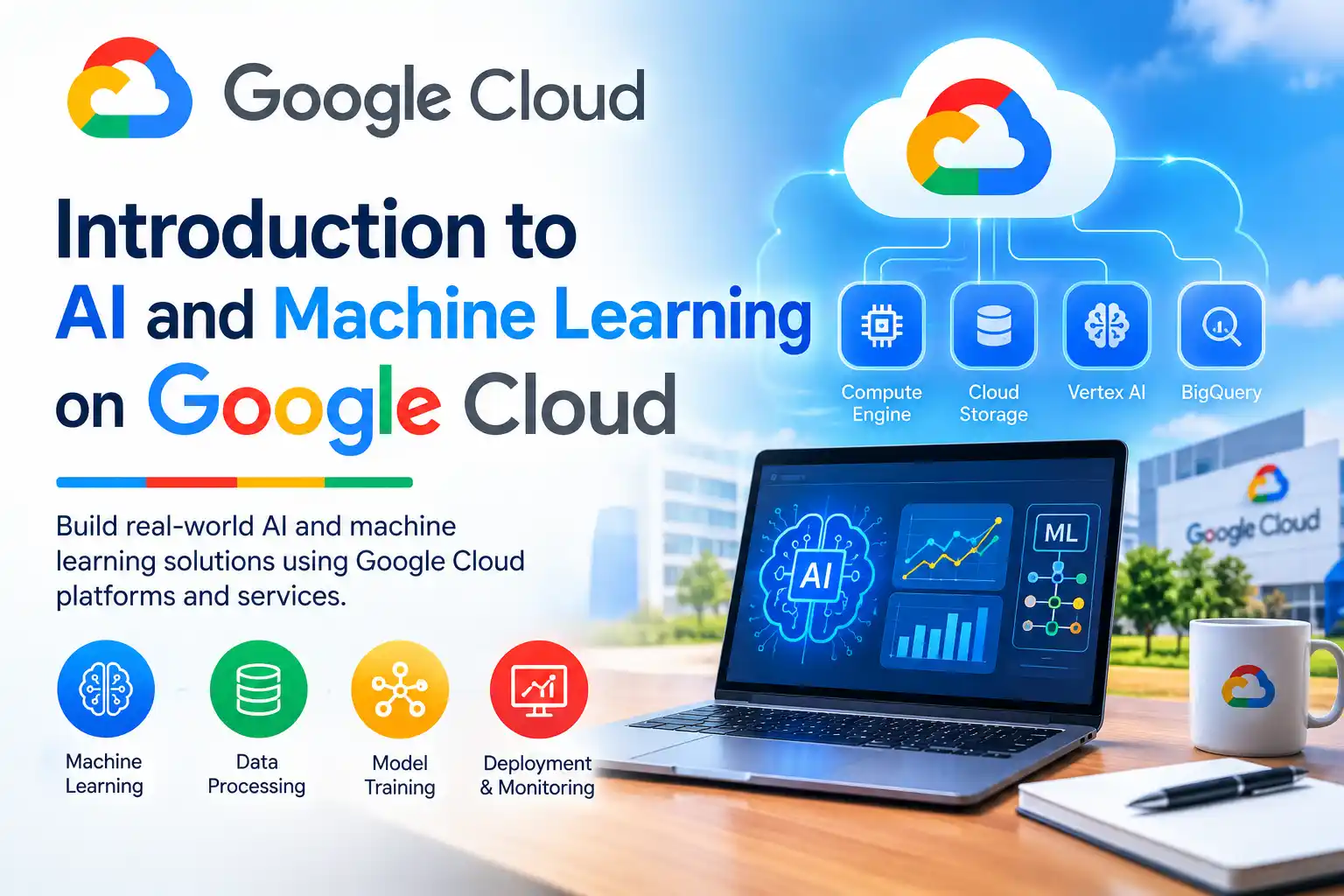
Google Cloud offers a full stack of AI and machine learning tools, and this course shows you how they fit together. It follows the data-to-AI lifecycle across three layers: AI foundations, AI development, and AI solutions. You'll build both predictive models and generative AI projects, not just read about them.
This free, self-paced course takes about 8 hours and is built around hands-on labs. You'll build an ML model in BigQuery ML, analyse text with the Natural Language API, train a model end to end with AutoML on Vertex AI, and create prompts and tuned models in Vertex AI Studio. The course is designed to help data scientists, AI developers, and ML engineers raise their skill level with practical, engaging exercises.
You'll finish with a clear understanding of the tools and products available throughout the data-to-AI lifecycle. Pass the course assessments and you earn an official Google Cloud skill badge, a verifiable credential you can share on LinkedIn and add to your resume.
Course Provider
Provider: Google Cloud Skills Boost, Google's official hands-on training platform for cloud, data, and AI technologies.
Platform: Google Skills online platform, fully online and self-paced, with real Google Cloud labs that run in your browser. No installation is required.
Accreditation: Google Cloud skill badges are recognized by employers as proof of practical proficiency with Google Cloud products. This introductory course also aligns with the Google Cloud Associate Data Practitioner and Professional Machine Learning Engineer certification paths.
Course Syllabus (5 Modules)
Learning Objectives
- Recognize the AI/ML framework on Google Cloud and identify the major components of Google Cloud infrastructure.
- Define the data and ML products on Google Cloud and how they support the data-to-AI lifecycle.
- Build an ML model with BigQuery ML to bring data to AI.
- Compare the different options for building an ML model: pre-trained APIs, AutoML, and custom training.
- Describe the ML workflow, model serving, and MLOps and workflow automation on Google Cloud.
- Define generative AI and foundation models, and use Gemini multimodal with Vertex AI Studio.
- Design efficient prompts and tune models with different methods.
- Earn a Google Cloud skill badge to demonstrate your AI and ML skills.
Course Prerequisites
Recommended background: Basic knowledge of machine learning concepts and prior experience with programming languages such as SQL and Python.
Language: The course is available in English.
Who should take this: Data scientists, AI developers, and ML engineers who want to build predictive and generative AI projects on Google Cloud, or anyone with some technical background who wants a structured tour of Google's AI stack.
User Reviews
"This is the clearest overview of Google's AI stack I've found. The labs are what make it work: you actually build something in BigQuery ML, then use AutoML, then play with Gemini in Vertex AI Studio. By the end, the three-layer framework makes total sense. It's a lot of ground, but the structure keeps you oriented."
"Very solid introduction. The AutoML loan risk lab and the Vertex AI Studio lab were my favourites. You do need some SQL and Python comfort, and the 8-hour estimate is realistic if you do every lab properly. The skill badge was a nice finish, and it helped me talk about Google Cloud credibly in interviews."
"I came in knowing ML theory but not Google Cloud. This course mapped the theory onto real products: pre-trained APIs for quick wins, AutoML for low-code, custom training for control, and Gemini for generative work. That mental model is worth the time on its own. The labs run in the browser, so there's zero setup friction."
Based on 1,800+ ratings on Google Cloud Skills Boost.
💡 Final Thoughts
Most AI courses either stay too abstract or drown you in one product. This one does neither. It gives you a framework, then makes you use it. You'll build a model in BigQuery ML, call a pre-trained API, train with AutoML on Vertex AI, and work with Gemini in Vertex AI Studio. That breadth is exactly what "introduction" should mean. The prerequisites are real, though: some ML basics plus SQL and Python will make the labs far smoother. If you have that, this is one of the best free ways to understand how Google Cloud actually does AI, and the skill badge is a credible finish.
Introduction to AI and Machine Learning on Google Cloud – FAQ
Is this course really free?
Yes. The course and its labs are free on Google Cloud Skills Boost. You need a Google account, and some labs may require a billing-enabled project depending on your account type.
Do I need prior experience with machine learning?
Basic knowledge of machine learning concepts is recommended, and prior experience with SQL and Python will make the labs much easier. Complete beginners can still follow along, but they should expect to look things up along the way.
How long does the course take?
The course is listed at about 8 hours. That's realistic if you work through all four labs carefully. You can spread it over several days since it's fully self-paced.
Will I receive a certificate or badge?
Yes. Once you complete the course and its assessments, you earn an official Google Cloud skill badge. You can share it on LinkedIn, add it to your resume, and verify it publicly.
What tools and products does the course cover?
BigQuery ML, the Natural Language API, Vertex AI, AutoML, custom training, Vertex AI Pipelines, Gemini multimodal, Vertex AI Studio, Model Garden, and TensorFlow.
Does this course prepare me for a Google Cloud certification?
It's recommended training for the Google Cloud Associate Data Practitioner and Professional Machine Learning Engineer certifications. It's an introduction, though, so pair it with deeper study before sitting an exam.