Website Testing and Deployment
Course Description
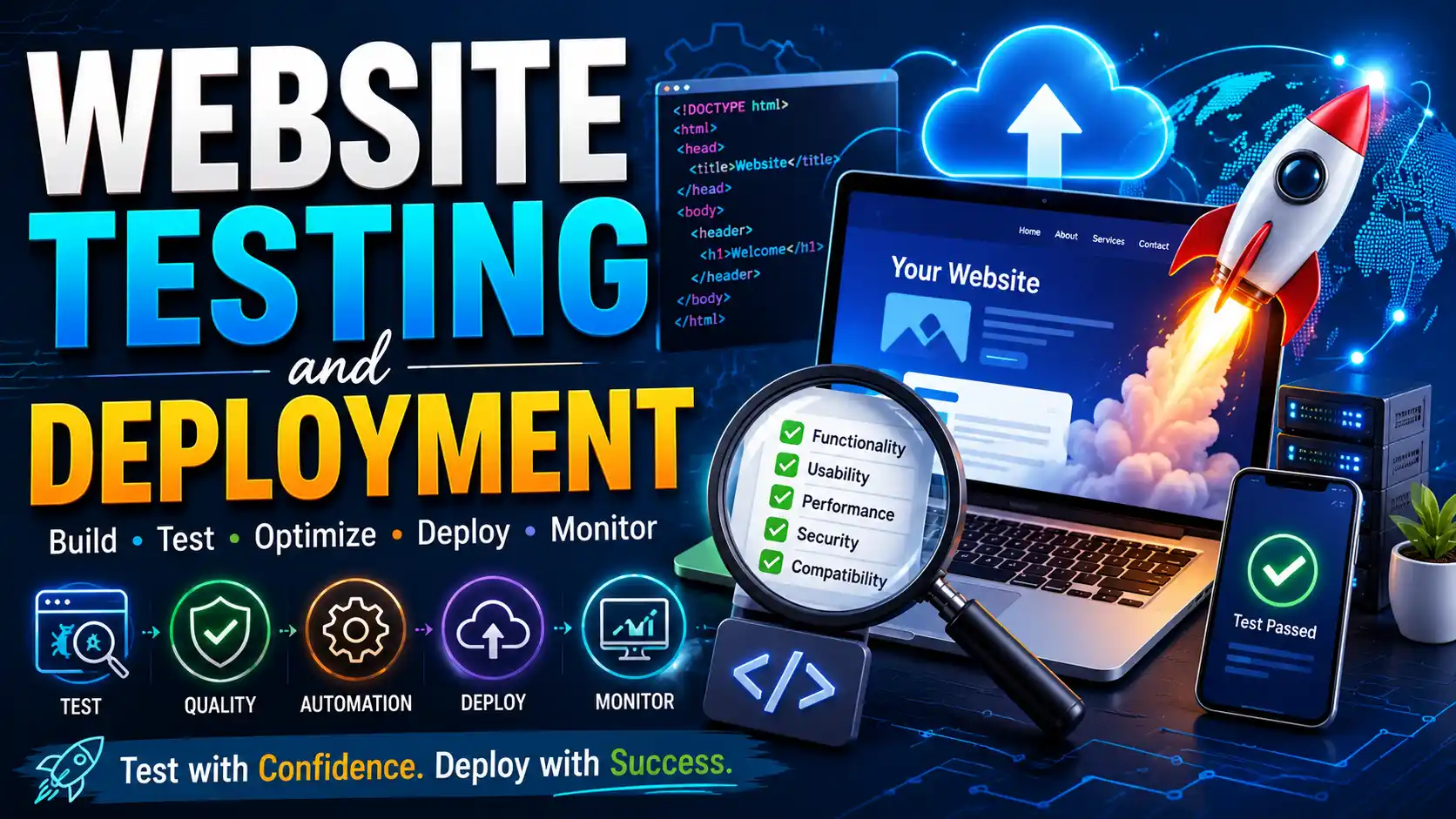
Building a website is only half the job. Getting it live, keeping it reliable, and making sure it works for real users is the other half. This course from IBM teaches you the professional skills of website testing and deployment.
You'll learn how to test your websites for bugs, performance issues, and security vulnerabilities. Then you'll master deployment workflows: getting your code from your local machine to a live server, setting up continuous integration and delivery (CI/CD), and monitoring your site after launch. The course covers unit testing, integration testing, end-to-end testing, performance optimization, deployment strategies, and production monitoring tools.
This free, self-paced course takes about 6-8 hours to complete. It's ideal for web developers who know HTML, CSS, and JavaScript and want to take their skills to a professional level. Prior completion of IBM's Web Development Fundamentals is recommended but not required. Upon completion, you'll earn an IBM Skills Badge.
Course Provider
Provider: IBM Skills, the official learning platform for IBM technologies and professional development.
Platform: IBM Your Learning portal – fully online, self-paced, with integrated tools and labs.
Accreditation: IBM Skills Badges are recognized globally by employers as proof of professional web development skills. The badge can be shared on LinkedIn and added to your resume.
Course Syllabus (Key Modules)
Learning Objectives
- Write and run unit tests, integration tests, and end-to-end tests for web applications.
- Use testing frameworks to automate quality assurance.
- Optimize website performance (load time, Core Web Vitals, asset optimization).
- Deploy websites to production using modern workflows (Git, CI/CD).
- Set up continuous integration and delivery pipelines.
- Monitor production websites for errors, performance issues, and uptime.
- Earn an IBM Skills Badge demonstrating testing and deployment expertise.
Course Prerequisites
Technical: Familiarity with HTML, CSS, and basic JavaScript. Prior completion of IBM's Web Development Fundamentals (or equivalent knowledge) is highly recommended.
Language: The course is in English. Intermediate English reading comprehension is recommended.
Who should take this: Web developers who want to learn professional testing and deployment practices, front-end developers moving into full-stack roles, students who have learned coding and want to understand the "real world" of getting sites live, and anyone who wants to build reliable, production-ready websites.
User Reviews
"I knew how to build websites, but I had no idea how to test them properly or get them live in a professional way. This course filled that gap completely. The module on CI/CD pipelines was a game-changer. I now use GitHub Actions to automatically test and deploy my portfolio site. Highly recommended for anyone moving from 'coding' to 'software engineering.'"
"Excellent course. The section on end-to-end testing opened my eyes to how real users interact with websites. The deployment module was practical and hands-on. My only critique is that some tools mentioned (like specific CI/CD platforms) have changed since the course was recorded, but the concepts are solid. The IBM badge is a great credential."
"As a self-taught developer, I never learned testing. I just 'tried things' and hoped for the best. This course taught me the discipline of writing tests and the confidence of automated deployment. The performance optimization module helped me cut my site load time in half. Worth every hour."
Based on 950+ ratings on IBM Skills.
💡 Final Thoughts
Many web developers can build a site. Few can build a site that's tested, optimized, and deployed professionally. This course teaches you the latter. You'll learn to test your code (unit, integration, end-to-end), optimize performance, set up CI/CD pipelines, and monitor production sites. These are the skills that separate hobbyists from professionals. The course assumes you already know HTML, CSS, and basic JavaScript (take IBM's Web Development Fundamentals first if needed). If you have that foundation, this free course will elevate you to a new level. The IBM badge is credible, but the real value is the confidence that comes from knowing your site won't break when you deploy it. Highly recommended.
Website Testing and Deployment (IBM) – FAQ
Is this course really free?
Yes, completely free. IBM Skills offers this course at no cost. You just need a free IBM account (or sign in with an existing one). No payment required.
Do I need prior web development experience?
Yes. You should be comfortable with HTML, CSS, and basic JavaScript (functions, variables, DOM manipulation). Prior completion of IBM's Web Development Fundamentals is highly recommended.
How long does the course take?
The course is self-paced and takes approximately 6-8 hours to complete. Most learners finish within two weeks.
Will I get a certificate or badge?
Yes, upon completing the course and passing the final assessment, you'll earn an official IBM Skills Badge. You can share it on LinkedIn, add it to your resume, or include it in your professional portfolio.
What tools will I use in this course?
The course covers testing frameworks (like Jest), performance tools (Lighthouse), CI/CD (GitHub Actions), and monitoring tools. Labs are browser-based; no local installation required.
How does this help with my career?
Testing and deployment skills are essential for professional web development roles. Knowing how to write tests, optimize performance, and set up CI/CD pipelines makes you a much stronger candidate for junior developer positions.